What’s new in ZenSmart this month
Sammy Brent, CIO • 20 April 2026 • 5 min read
We ship on 2 week cycles. Here are four of the latest feature additions that will make the biggest difference to your factory floor plus the latest on our platform integrations.
Straight to a feature? Jump in below.
In this edition
01
Station Reports
Live feedback as you work
02
Nested imposition
High efficiency layouts for complex gangs
03
AI Product Code Mapping
Add new order sources or onboard faster
04
Automated Etsy & eBay – get files
Streamline getting artwork from these 2 order sources
05
Latest Integrations
Zapier joins the list
01 – Station Reports
Live feedback as you work
At a Glance
Keep team members continually informed about what matters most with reports embedded inside your normal Scanning Apps.
The Problem
Keeping team members informed of the current situation is a big part of building a strong, successful culture.
It’s a constant danger in running production operations for staff to feel siloed in their role, and to lose sight of how they fit into the business’s broader goals.
Whether it’s quality and fail rate, work in progress to due date or VIP orders in WIP – keeping staff aware of what’s going on is critically important.
The Feature
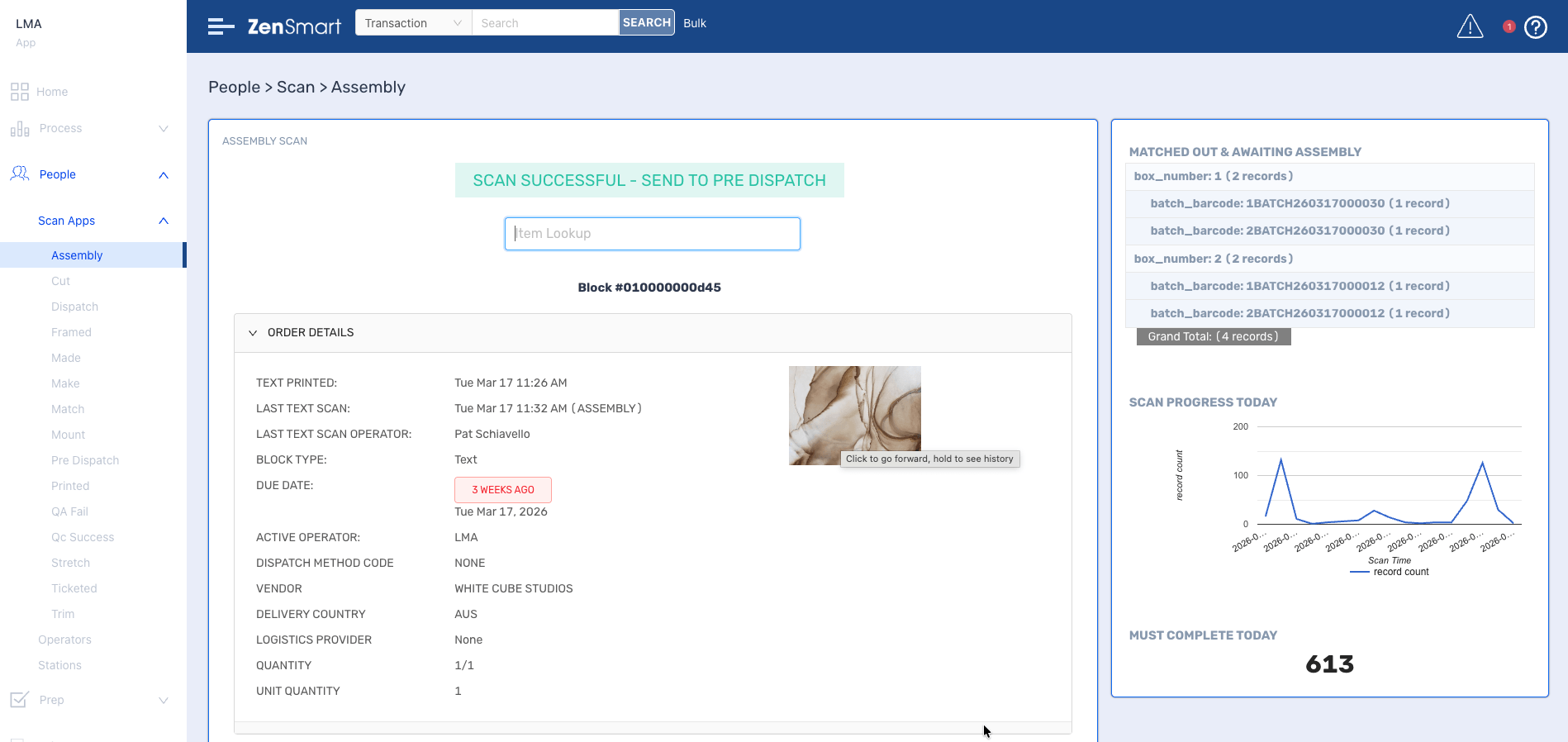
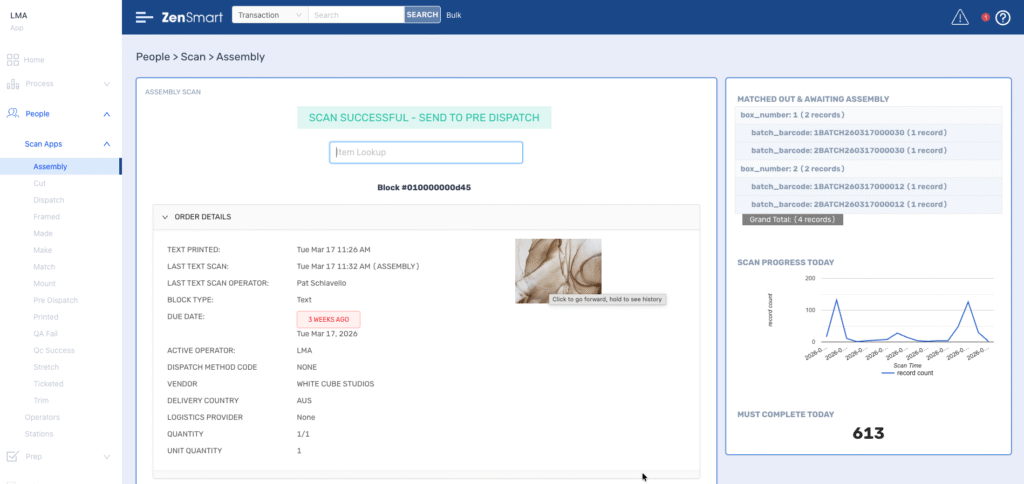
Scan apps + live report widgets: Scan Apps now display live report widgets alongside the scanning interface – operators see contextual production data (e.g. WIP, queue depth, alerts) on the right panel without leaving the scan app.
What it means
Operators get full visibility on the factory floor without needing a separate screen or supervisor to relay information.
02 — Nested Imposition
Minimize materials usage & press time with high-efficiency nesting
At a Glance
High efficiency nesting of batches, 100% automated and integrated within the ZenSmart batch and press release feature set.
The Problem
Juggling due dates, VIP clients, optimal batching and then nesting to highest efficiency to minimize press time and materials usage is a real challenge. The complexity is significant.
The Feature
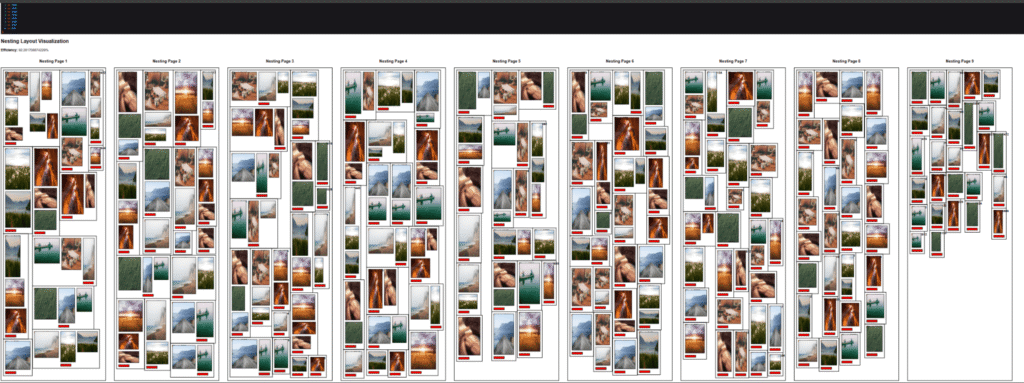
Advanced Nested Imposition: ZenSmart Imposition Designer now supports fully nested layouts. It completely automates sophisticated multi-product gang sheets and complex layout hierarchies.
What it means
Significant new efficiencies are achieved through better-formed batches—lowering material costs and reducing press time—while strictly observing your Due Date, Brand, and VIP business rules. It ensures the right work is done at the right time for the lowest possible cost.
03 — AI Product Code Mapping
Implement faster with AI Product Code Mapping
At a Glance
ZenSmart uses AI to identify and extract product component information from product codes in incoming orders – removing the need for extensive manual product map creation.
The Problem
When you are going live with a new automation system or onboarding a new client, product data is frequently not well-formed, which can slow down the process of going live.
Badly structured or incomplete data can be a real challenge in going live. It can mean building large spreadsheets or databases that are time-consuming to manipulate and where it’s difficult to ensure all product codes and metadata are correct.
The Feature
Simplify onboarding: ZenSmart uses AI to interpret product codes and metadata, removing the need for manual product map creation — automatically mapping incoming order codes to the codes used in your workflow.
What it means
New clients and order sources can be brought onboard super-fast and if you are implementing automation at a new facility, it’s a gamechanger in the speed of going live. The system can handle the complexity of mapping origin product codes and orders to how you work right now. It dramatically reduces the time to go live and makes you more agile and adaptive.

04 — Automated Etsy file workflow
Solving how you get files from Etsy & eBay.
At a Glance
Completely remove the need for manual workflow and communication with customers who are ordering via Etsy or eBay. ZenSmart automates the end-to-end process.
The Problem
Orders from Etsy (and eBay) present a challenge, as the order itself does not contain the file that needs to be manufactured. Instead you have to manually contact the client and get them to submit the file that then needs to be married up with the original order. It’s inefficient, costly in labor and prone to error.
The Feature
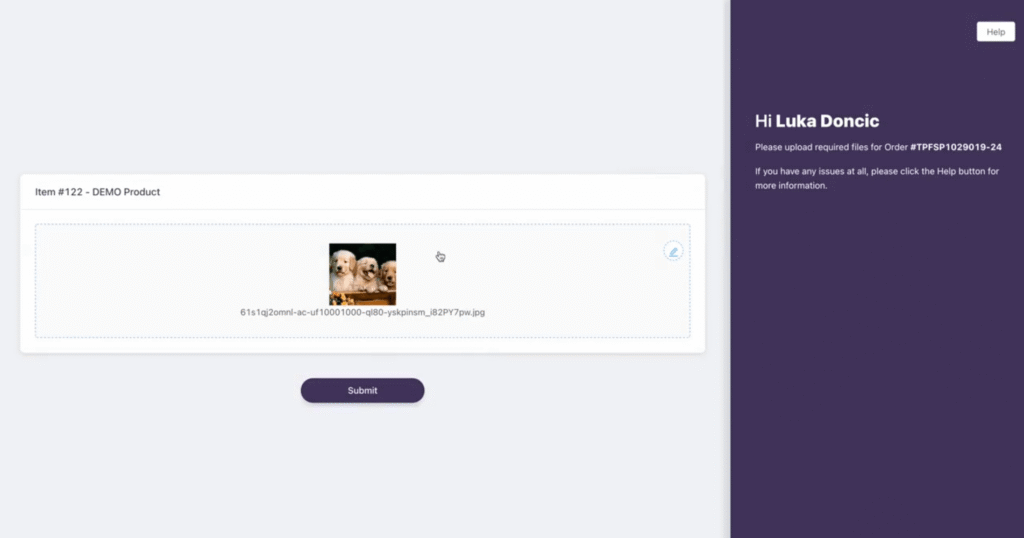
Automate customer file submission from Etsy and eBay: When a customer places an order via Etsy or eBay that requires artwork or files, ZenSmart detects that no files were included (since these platforms don’t support sending artwork with the order) and automatically sends the customer an upload link that points at a branded upload page.
What it means
A simple user experience for your Etsy or eBay customer and dramatically reduced costs and complexity for the Customer Service team in getting files from the customer.
Zapier joins the integration list
We have long said that ZenSmart connects to over 100 platforms — from order sources to ERP, inventory, machine management, and logistics. That count has just taken a big leap. We have now added Zapier as a supported integration. With that addition we now provide the ability to plug in any of the 9,000+ platforms, that also have built Zapier integrations.
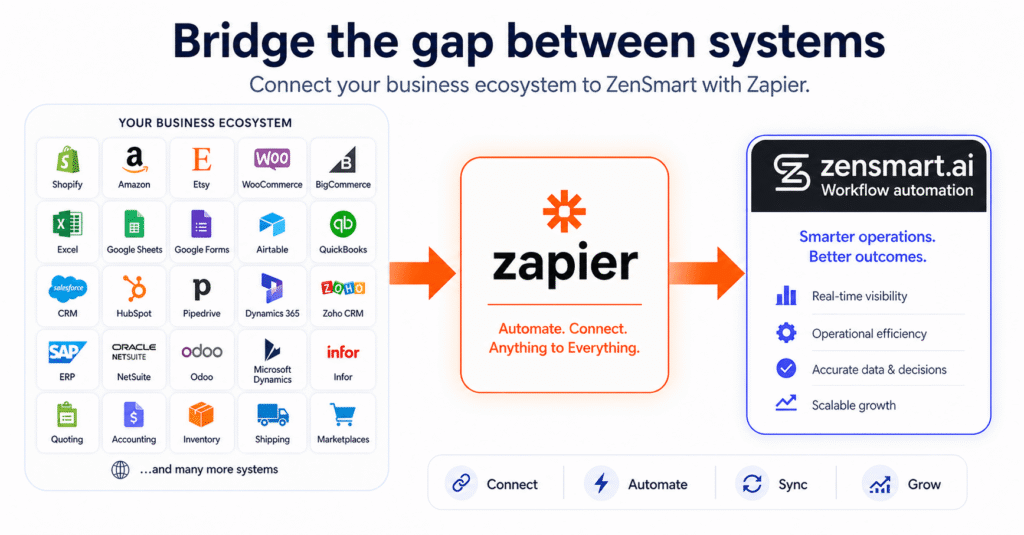
ZenSmart active integration program. The team is adding new integrations each release cycle. If you need a platform not yet on the list, reach out.
Questions About This Release?
Reach us directly at sales@zensmart.ai, or book a conversation via the form below.