Over the last few months we’ve performed multiple implementations at sites running coincidentally either Cin7 or MS Dynamics 365. The businesses themselves are quite different — different products, different markets, different sizes — but they share a common problem that keeps surfacing in almost the same words every time.
Their ERP tells them what needs to be made, and with what Bill of Materials. But the moment an order is make-on-demand or involves a customised good, the ERP hits a wall. It can’t orchestrate how the order is to be made.
It’s such a consistent pattern across so many sites that I thought it was worth spelling out properly: where does ERP stop, and where does workflow automation start? Or put another way — what’s the difference between managing and orchestrating?
The ERP Does Its Job Well
To be clear: ERP systems like Cin7, Dynamics 365, NetSuite, Printavo, DecoNetwork, Odoo, or Unleashed are doing exactly what they’re designed to do. They are brilliant at being the commercial spine of a manufacturing business. They handle:
- Customer records, pricing, and quoting
- Sales orders and invoicing
- Inventory control
- Purchasing
- BOM-driven work orders for standard, repeatable assemblies
- Financial reporting
For planned manufacturing with structured routings and repeatable SKUs, there is nothing better. The ERP is the System of Record. It owns the financial truth.
The problem begins when work becomes variable.
The Gap: When Variable Work Enters the Factory
On-demand and customised manufacturing introduces a different class of complexity that ERP platforms were never designed to handle. Consider what happens when:
- Every order has unique artwork or characteristics
- The workflow and automation path varies order by order
- The BOM is dynamic rather than fixed
- Quality failures require real-time rework decisions
In these situations, the ERP releases the work order to the floor — and then what? In most factories we visit, the answer is manual shepherding – Excel and Monday.com etc. Someone has to pick it up, figure out what to do with it, move it to the right machine, chase it through production, and try to reconcile what actually happened against what was planned. Black holes appear. Reprints happen without being logged. Labour time is estimated, not measured. The ERP’s inventory and cost data gradually drifts from reality.
The ERP knows what to manufacture. It just doesn’t know how.
The Orchestration Layer: What Workflow Automation Actually Does
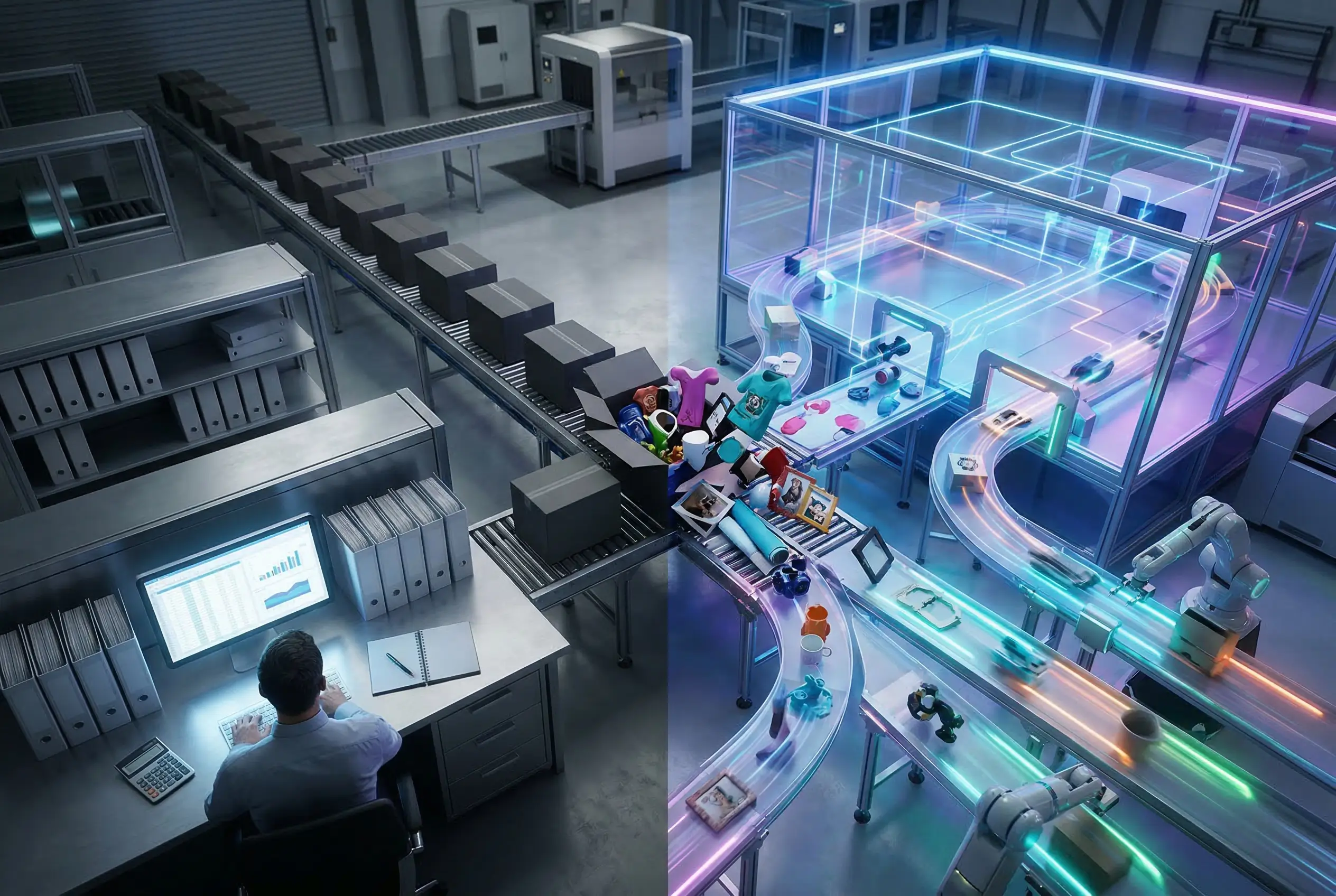
Workflow automation fills this gap by becoming the System of Execution — the layer that sits downstream of the ERP and handles everything from the moment a work order is released to the moment it ships.
Think of it this way: the ERP stores what must happen. Workflow automation decides how, where, and when it happens.
In practice, that means:
- Ingesting unique orders with custom processes and dynamic BOM
- Automated queuing, batching, ganging, and machine routing — in real time, based on load and SLA
- Artwork validation, imposition, and file manipulation with embedded barcodes
- Scan-based track and trace and quality assurance at the unit level
- Real-time capture of actual labour and material consumption — not estimates
- Feeding accurate production status, cost-of-goods, and inventory movements back into the ERP
That last point matters a lot. When workflow automation closes the loop with the ERP, inventory consumption becomes observed, not assumed. Labour costs are actual, not guessed. The financial data in your ERP – the data you use to run the business – becomes reliable.
One Virtuous Process
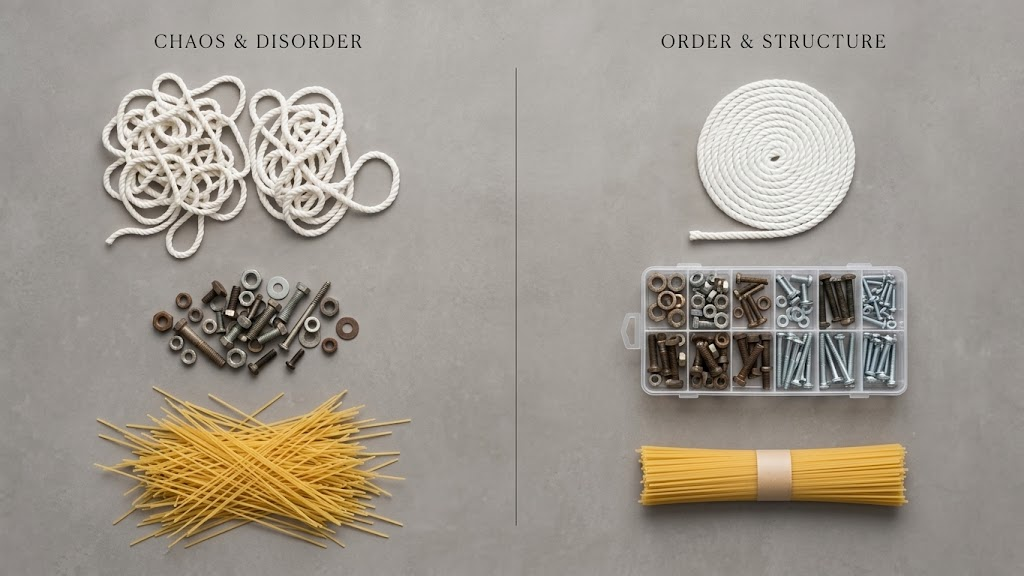
What you end up with is a single integrated system rather than a managed one. The ERP remains the commercial backbone and the ledger. Workflow automation becomes the execution intelligence – the dispatcher that allocates, routes, tracks, and reports.
Together they create something neither can deliver alone: centralised order control with downstream execution agility. The ability to take on highly variable, make-on-demand work – drinkware, textiles, badges, ID, industrial workwear, frames, signage, banners, point of sale – without adding manual overhead as volume grows.
Whether you’re running Cin7, Dynamics 365, NetSuite, Printavo, DecoNetwork, Odoo, or Unleashed, the principle is the same. Your ERP is already doing its job. The question is whether you have the orchestration layer that takes it the rest of the way.
Ask Yourself
- When a work order hits the floor, does your team know exactly what to do with it – or do they figure it out?
- Is your labour cost data measured at the unit level, or estimated and reconciled at month end?
- How accurate is your inventory? Is it observed consumption or assumed?
- When a reprint happens, does the ERP know? Does anyone?
- Could you double your make-on-demand volume tomorrow without adding floor supervisors?
If any of those land uncomfortably, you have an orchestration gap. And it’s solvable.
If you’d like to talk through what this looks like for your operation, reach out. I’m happy to walk through it.