I wrote earlier on this week about what changes when you add automation to a print on demand site that already has digital workflow in place. But what about if you are a pure screen printing workflow and you are adding DTF or DTG (as so many are at the moment)? This weeks video has a look at how to go from entirely manual small order volume to high order volume/low MOQ and how to make it a seamless experience.
Transcript
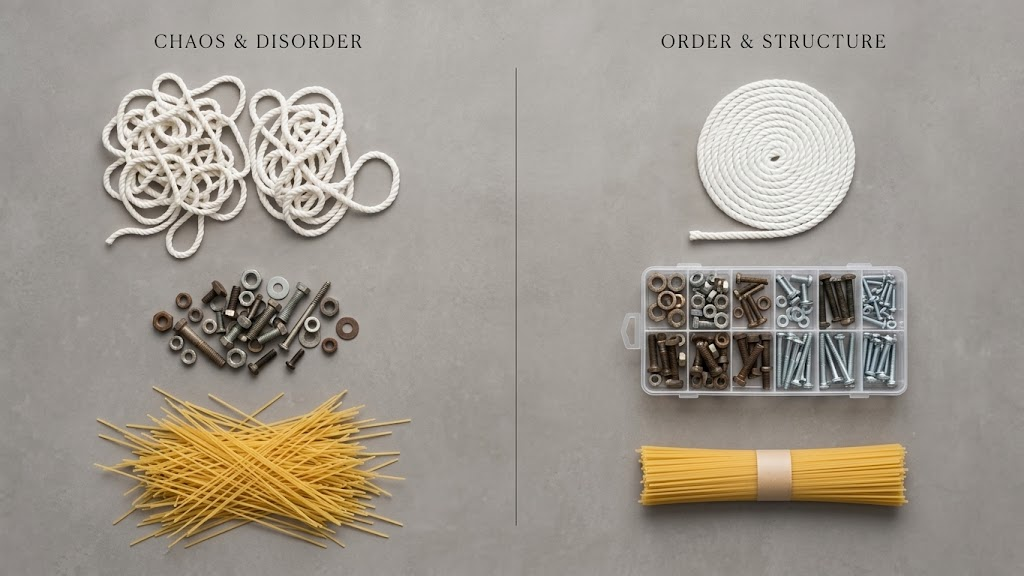
Earlier this week, I posted about what changes when you automate an apparel print-on-demand factory. An even bigger question is what happens when a 100% screen printing shop with no automation adds print-on-demand. Because reality is that most screenshots run 5 or 10 jobs a day, high MOQs long runs and a largely manual order intake process, and a DTF or DTG and your requirements completely change. When volume jumps, while average job size collapses, that means a job admin becomes a boldneck and production can become a nightmare. You simply can’t key hundreds of small orders into an MIS and hope for the best. That’s just chaos. And the answer is workflow automation. From order to shipping, you connect order sources, validate data and let the system build Qs continuously. You keep the Qs open until the batches reach an efficient size for your press and finishing path, then your auto-release, everything’s beautifully aligned, beautifully picked, everything just flows. And on the floor, you don’t see hundreds of tiny jobs, you see one clean batch, logically grouped by skew job and due date, operators just follow the workflow, throughput is strong, everything’s beautifully organized. And that’s how a long run culture takes on a unit of one work without a shock. It’s print, but it’s just done a bit differently. If you’d like detail or advice around how to go about adding DTF or DTG to your screenshot, reach out. We’d love to speak with you about it.