I was meeting with a predominantly screen with a bit-of-DTF printer last week that stopped me. He said “I don’t get automation, all you guys talk efficiency and productivity and time savings but no-one talks practically about what you actually do that is this automation thing” or something close to that.
Fair enough – we all assume too much at times – particularly for sites that have come a small number of higher count jobs per week.
So, this is the start of a multi-week series that aims to list out how we define automation across 6 make to order verticals – apparel, merchandise, signage & display, framing, photo books and custom hard goods.
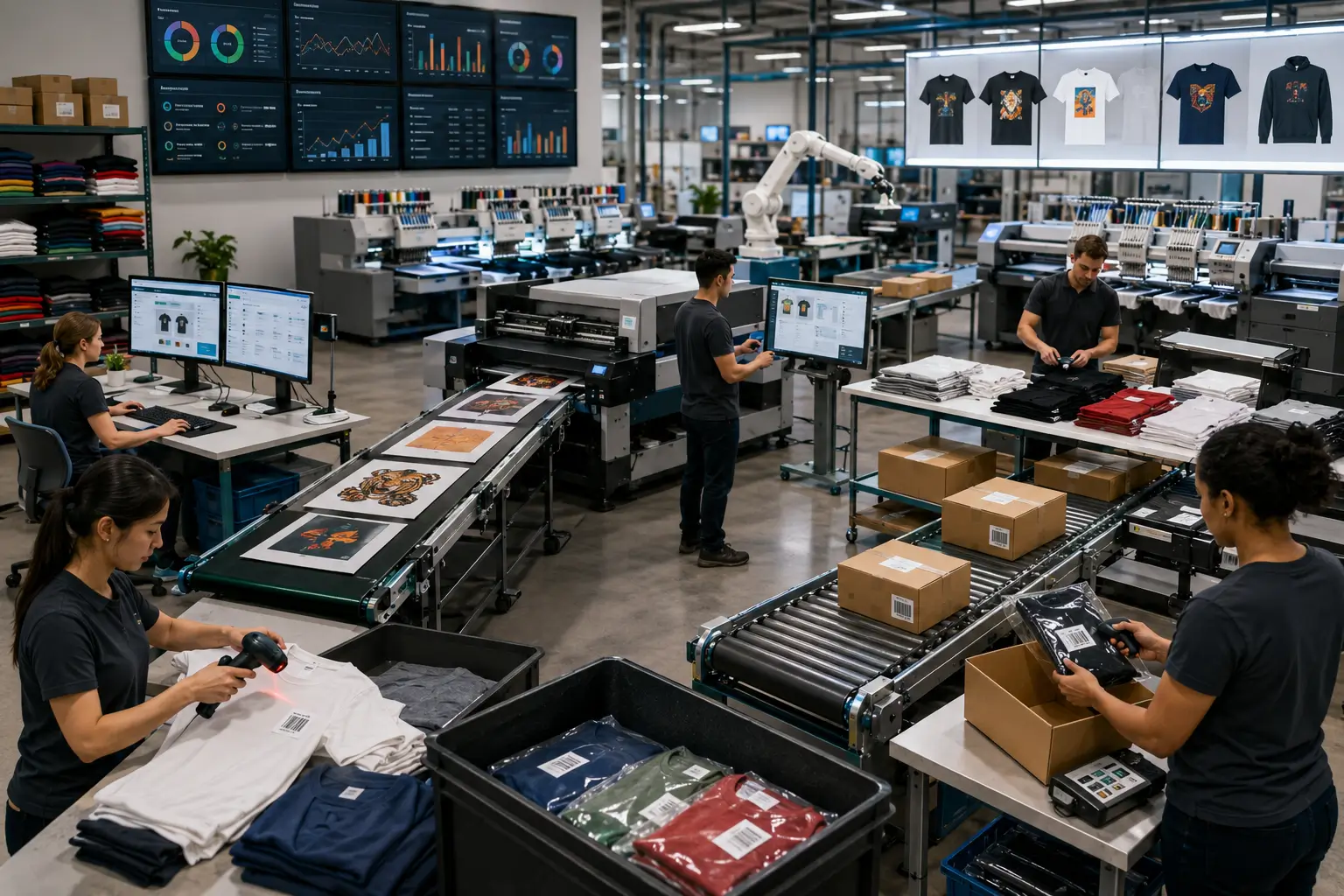
So, let’s start with apparel and answer what is apparel automation as a simple high-level list. We define automation for apparel as covering the following as a minimum:
- Automatically get Orders from the front-end Order sources. It may be 1 or 100 sources, web-to-print, e-com marketplaces, ERP or e-stores – Shopify, Zakeke, Cin7 or Printavo – it doesn’t matter but get every Order and the artwork for the Order with zero touch.
- Auto-validate and correct the Orders. The more Order sources, the more likelihood there is of variability. Correct dimensions, rotation, data, artwork so it’s clean work.
- Apply business rules to your Orders – due dates and customer priority.
- Send any Orders that can’t be auto-corrected to a Review Queue for a person to check (for example, contact a client for corrupt artwork replacement) and track the dates.
- Queue all Orders auto-grouping all work that can be manufactured together in like-SKU, date-optimized, due-date-driven Queues.
- Close Queues automatically to form Batches that are least-cost-to-due-date, with sequencing.
- Gang and impose the Batches according to the Press-finishing combination selected. Do this automatically and just in time so you can send work according to Press-finishing availability or capacity. Include barcodes, finishing instructions, thumbnails, color info, due dates etc. according to your requirements. If it’s DTF, create cut layers automatically. Generate Job Sheets and Batch Sheets if you use them.
- Route the output directly onto the Press or CTS for Screen ready for 1-click release or even auto-print. Whatever the workflow – DTF, DTG, Dye-Sub, Screen, Embroidery – all joined into a single automated process.
- Monitor the RIP and the Press – re-sending if any fails.
- Generate the aligned pick-lists for picking of the garments, with thermal labels for the garments for unit of 1 or low count jobs (if it’s DTG, Embroidery, Screen pick first; for DTF & Dye-Sub, print first).
- Validate picking.
- Deduct from inventory picked items.
- Track staff actions and productivity in press-release and picking.
- Track production by recording barcode scans depending on production method (DTF, DTG, Screen, Embroidery). Overhead scanners work well to minimize hand movement.
- Direct staff where to send work next depending on your rules/procedures. All information inside a system – any answers/clarification support the team member (important if they are new).
- Scan for quality pass/fail. Fails get auto-sent back to re-make with reason recorded and staff and machines tracked.
- Auto-group units within an Order or across Orders so items can move through production at different rates and bin them until everything has arrived. Count and validate by scanning if required.
- Accessorize the Order – add picked items, add vouchers, add customized letters or offers. Provide barcodes and validation to make sure the right items are included in the Order.
- Auto-bag if you have the right equipment, with auto-ship and auto-manifest, with auto-least-cost ship selection to SLA, or do the same with manual scanning of the Order. Auto-generate all labels and customs documentation.
- Send to your ERP or Inventory System what happened for accurate recording of consumption for materials and Labor.
- Through every stage of the process give the team Dashboards to look at. Accurate in real time that tell them target, target to go, fails, important Orders coming. Information that gives them context.
- Give the Management Team KPI reports and Dashboards that give them automated situational awareness.
- Give the Finance Team automated reports for knowing you are making good dollars.
- Give Department Supervisors clear views of WIP by due date including items moving too slow through production (ie. the orders that need special attention)
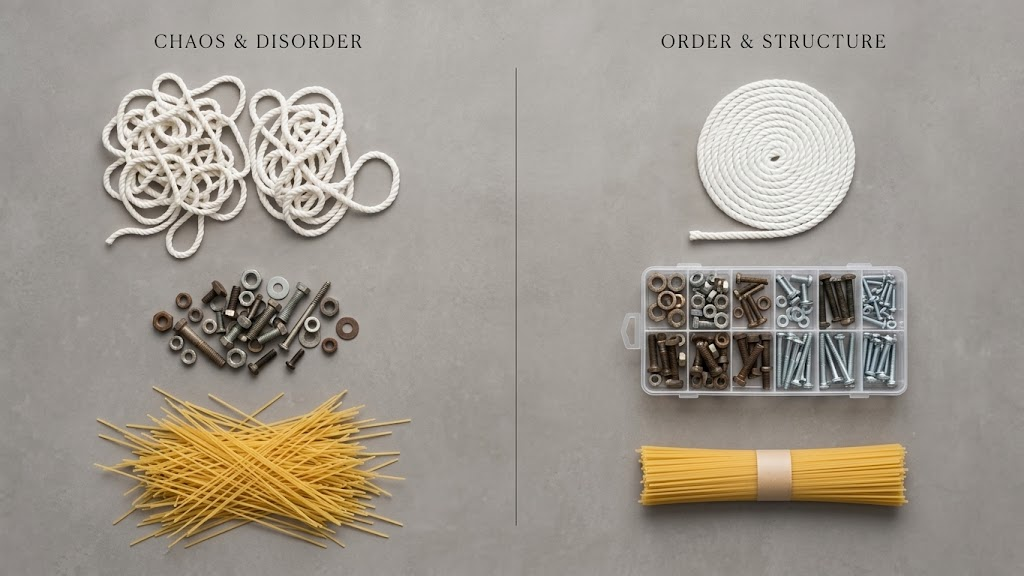
The factory process in doing all those 23 things is a barcode scan. Everything else is automated. The system does everything else. That is automation. No guessing about what to do next or how to do it, just scan and process – the system looks after all the complexity – all the tailored deals done by Account Managers with particular brands and clients, special freight terms and marketing deals.
The productivity gain comes from the right work at the right time to the right cadence with no orders missing SLA.
Efficiency comes from great materials utilisation and perfect feedback about quality fails so waste can be extinguished.
Time savings come from better flow and right sequencing – so less overtime and faster staff onboarding because staff don’t need to know all the secret little procedures that only the long-termers know.
Better selling comes from being able to do things/agree to deals your competition can’t do.
There’s a lot more in it than the 24 items above (think multi-plant operations, machine maintenance, reporting and AI insight) but at 900 odd words that will do for today.
I hope that’s practical enough and avoids the buzzword spin.
Reach out if you would like to dig deeper.