I’ve written in the past about how, as an industry, we’re really good at producing unique, beautifully manufactured product for one unique customer. But what we’re not so good at – is personalizing not just the product but the overall order – and in doing so, creating a much deeper emotional connection with the customer.
This difference is important because what we are sending to the customer isn’t just a canvas, or a calendar, or a piece of drinkware. We’re sending them an experience – and in the moment of unwrapping there’s a real chance to make that experience special and lift the whole interaction with the customer to another level.
So today I wanted to talk about the different ways you could personalise the order and what is the most convenient, practical, and efficient way to do it. Pulling it apart, there’s basically three areas you can look at personalizing: the packaging, messaging inside the package, or the service experience itself.
Personalising the packaging
Option 1: Direct print to packaging
Starting with the packaging, there are a couple of different routes you can take. One is to install an inline inkjet printer or laser marker that’s capable of printing directly onto the outer cardboard packaging — you can even add 2D barcodes if you want. It’s a great option, but it does introduce extra complexity because now you’ve got to match a uniquely printed carton to the specific order that’s inside it. Depending on speed and print area – solutions range from US$15-50K (black text, barcodes and logos) but you can spend 6-figures for more capable devices (CMYK printing and moderate graphic capability) and higher again for high-res image capability. At the cheaper end you are significantly limited in the print area.
Option 2: Personalised labels
An alternative to direct print on the packaging is to use printed labels. You can set up a laser or colour inkjet printer right at the shipping station, then when you barcode scan the order, an automated print of a beautiful, personalised colour label is triggered for application to the package. No complicated matching process is needed, and the capital and running costs are a lot more manageable. You’re looking at from $0.20 to $1.00 per label depending on quality and label size, plus a very small labor cost to apply it, but for many businesses this is a more practical entry point.
Personalize the unboxing
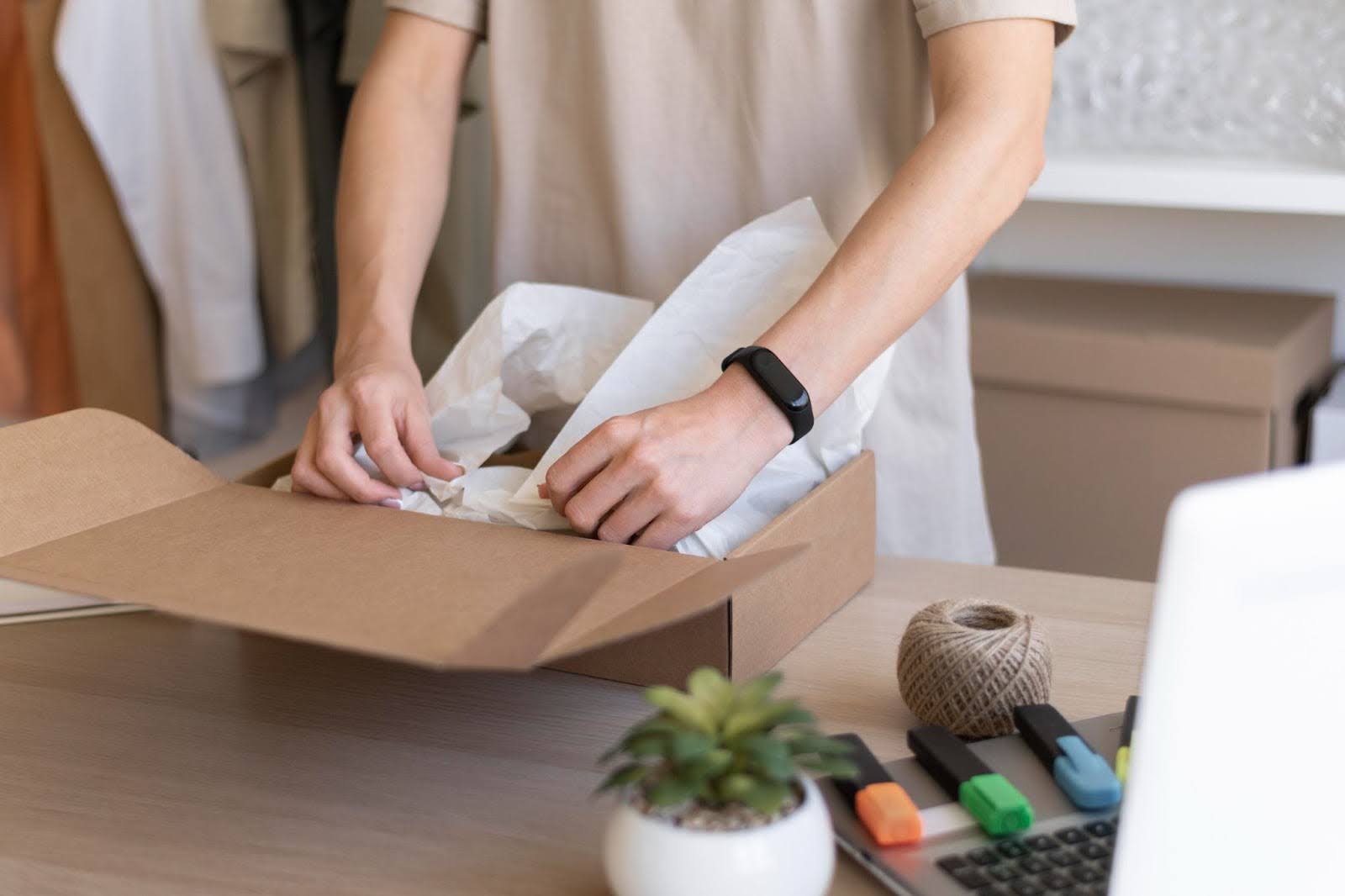
Then, if you move inside the box, there’s another whole category of personalization opportunities. Here, you can set up a simple desktop printer at shipping so that when an order is barcode scanned, you auto-generate a custom letter or voucher that speaks directly to the customer – using their name, with personalized content, and maybe even including a personalised discount code or a thank you offer. It’s cheap to do and adds a really strong personal touch to the unboxing experience. If you want to take it even further, you can look at using auto-pen systems to create handwritten cards, which is a beautiful touch, but just be aware of the cost and the speed limitations. Auto-pen machines are expensive and relatively slow, so they only really work if your dispatch tempo is on the slower side – you don’t want the writing speed to become a bottleneck. If you do go down this path, my advice would be to keep your messaging really short so that you maintain your packing flow.
Personalise the service experience
And finally, there’s the option of personalising the service experience itself. Rather than adding something extra to the package, you change something about the order to deliver a “wow” moment for the customer. For example, you could upgrade a loyal customer’s order to a higher grade paper stock or throw in free gift wrapping for customers who had a poor experience with a previous order. You drive that through business rules in your workflow automation, and then marry it with an email communication that lets the customer know that you’ve done something special for them. It’s a really powerful way to deepen customer loyalty without adding a huge amount of manual effort.
So, in summary there’s three broad approaches you can take — personalising the package, personalising the messaging inside the box, or personalising the service experience itself — and within each of those, there are a whole range of practical ways to achieve it depending on what makes sense for your business and your margin structure.
I hope there’s something of value in these ideas, and if you’d like to dive deeper into how to embed this thinking into your day-to-day workflow without disrupting your production rhythm, reach out — we’d love to speak with you about it.