I was meeting with a screen printer last week who was looking for advice on adding DTG capability—enabling them to move to small MOQs and unit-of-one manufacturing capability.
This was a challenge for them because currently, they have a 50-unit MOQ for their screen work and they were struggling with all the workflow changes needed to pivot the business. Traditionally, their clients submitted orders via email, re-keyed into an MIS and with artwork provided mainly by Dropbox.
So, for all the screen printers out there, I thought it would be useful to lay out 8-the steps involved in enabling super efficient unit-of-one manufacturing using DTG as your production method and how the central idea is to make unit-of-one behave just like a big order. I will talk about DTF in a future post. To get great economics out of unit-of-1 manufacturing the steps are:
Step 1: Implement a Web-to-Print Capability
- For B2B: Sign up brands that sell on Shopify, Amazon, Etsy, or other e-commerce marketplaces, or get orders from OrderDesk, CloudPrinter, Gooten etc.
- For B2C: License Taopix or equivalent or build your own Shopify site (implement a tool like Customily to enable customers to create their own personalized artwork) directly online.
Step 2: Connect the Web-to-Print Order Source to Workflow Automation
- Use a workflow automation system like ZenSmart to automatically retrieve orders and artwork from the order source.
- The automation solution will queue all incoming items together based on your least-cost manufacturing logic, preparing them for efficient batching.
Step 3: Automate the Formation of Smart Batches
- The system will automatically batch individual orders together to form super efficient bigger batches to your cost and time rules. For example – have you have 50 small and medium white and v-necked t-shirts orders all of quantity 1 , they can be batched together for common print. Even if you have 50 similar orders (e.g., different styles of white t-shirts), the system logically groups them together.
- The system monitors the queue, and once the queue reaches the preset limits, it automatically forms a batch.
Step 4: Picking and Prepping
- Once a batch is formed, picking lists are automatically generated.
- Staff pick garments from your pick bin locations, attach a small barcode to the hem of each garment which uniquely identifies the order, and delivers them to the DTG station.
Step 5: Seamless Printing
- At the DTG station, scan the garment order barcode.
- The system will have already pulled and imposed the correct artwork.
- A simple barcode scan triggers the print to commence – it happens instantly.
Step 6: Quality Control and Reprinting
- After DTG printing, the item moves to pressing or any post-print processing.
- Another barcode scan occurs.
- If the print is not up to standard, scanning again automatically requeues the item for reprinting and records a fail event—ensuring the cost is captured against the specific order.
Step 7: Accessorizing and Packing
- At the accessorization stage, scan the barcode again.
- Add any required accessories or inclusions.
- Move the item to shipping.
Step 8: Automated Shipping and Manifesting
- Scan the barcode at shipping.
- The system automatically generates shipping labels, prints packing instructions, and prepares any inserts.
- Pack and bag the order.
- It is then manifested and ready for pickup by your logistics provider.
The Key Message
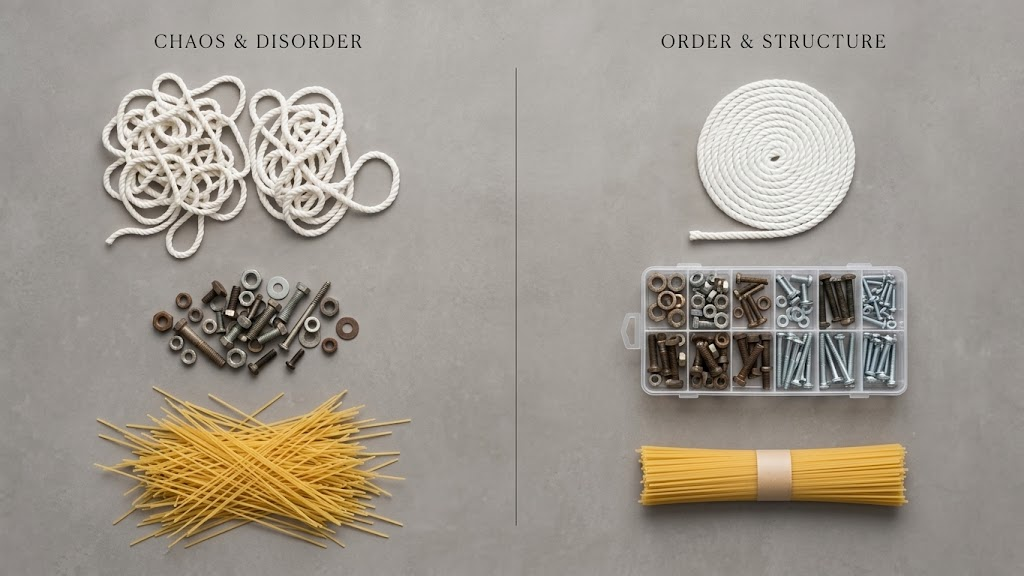
Even though you’re moving to unit-of-one manufacturing, it’s possible to treat each job with the efficiency of a long-run production process—exactly like you’re used to in traditional screen printing.
With the right workflow automation, you can preserve long-run cost economics, drive great profit margins, and achieve strong profitability, even when shipping individual items to individual customers.
If you’d like advice on how to set this up—or some tips drawn from our experience—reach out. We’d love to speak with you about it