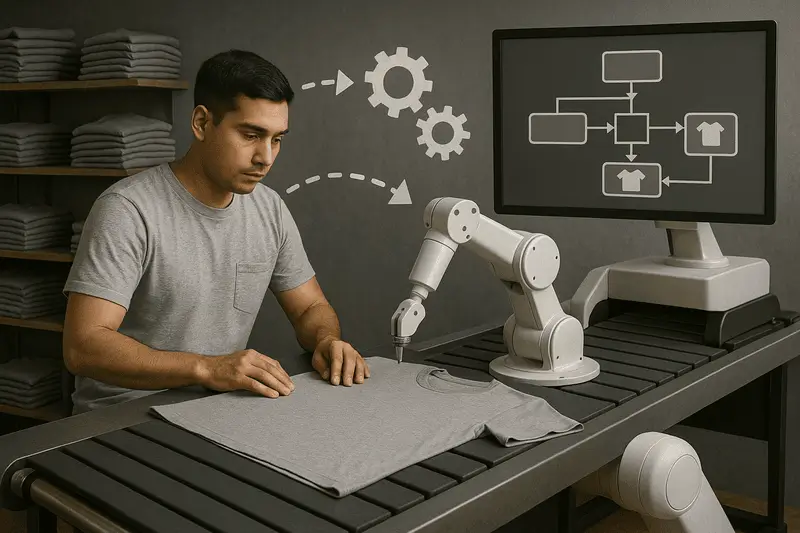
I had a conversation last week with a potential new customer running screen, DTF, and embroidery. They’re B2B with a 75-unit MOQ, but they’re exploring DTF to take on some B2B2C contracts. We were mainly discussing how they’d handle unit-of-one manufacturing (see my 21 July 2025 post: How automation makes Unit of 1 look like high MOQ work). They asked me to lay it out, stage by stage – what would change if they implemented workflow automation?
Here’s what I said.
1) Order download & entry
Current: Orders arrive from multiple stores and portals. Someone exports, cleans, and re-keys. Priorities are informal; staff need to keep of dates and priority, files and notes live in email and which artwork to use is confusing.
With automation: Connectors ingest orders continuously, fields are validated (SKU, size, colour, print position, artwork presence), and jobs automatically created. Exceptions fall into a hold queue with clear reasons – click to correct. Release to production follows rules you control. Artwork is able to be updated to deal with client changes.
2) Ganging & printing
Current: Jobs are manually ganged and shuffled. Operators pick their own priorities; files get copied and renamed.
With automation: Batching follows rules (SKU or SKU family, decoration type (single or multi), due date, ship method etc etc). Batches close automatically to form impositions or gangs to optimal layouts. Queues close without manual juggling. Release to press is automatic.
3) Picking
Current: Paper pick lists are approximate; mis-picks are common. Time is lost walking and re-walking the same zones.
With automation: Pick lists are generated from Batches, sequenced to floor layout. Picking is verified by barcode scan. Operators follow optimised pick paths; mis-picks are caught at the bin, not at the press.
4) Cutting, matching & pressing
Current: Film/transfer cutting is manual. Matching shirt ↔ print relies on visual checks. If a press goes down, the line stalls while work is re-organised.
With automation: Each unit carries a barcode. Multiple methods of attaching barcodes (label or swing tag). Components are paired by scan; you have the option of getting rid of the scissors and implementing automated cutting. If a press or cutter is lost, routing to an alternate path is a single decision, not a floor-wide scramble.
5) Tracking & re-work
Current: Work is anonymous. Work is invisible from press to shipping. Reprints are informal. Root causes are unclear and rarely priced.
With automation: Every job at every stage is scanned. You can see where the job is, who touched it, and why a fail occurred. Reprints are authorised and tracked. Yield, throughput, and bottlenecks are visible by person, shift, product, and machine.
6) Shipping
Current: Addresses are re-keyed into carrier portals. Labels are printed and stuck manually. Tracking numbers are emailed later—if remembered.
With automation: It’s scan-to-ship. Rates, labels, and manifests are generated from the job. Tracking numbers post back to the order source automatically. Close-out is auditable.
7) Reporting
Current: Minimal at best and very high level. You know what orders you got but not how well you manufactured.
With automation: It just happens. Because everything is scanned, rich data is collected that provides visibility around where all the work is, how long it took by stage, performance to due date etc etc.
——
The other key change is what people see in production. Firstly job sheets are replaced with barcodes and job tickets – color coded and clearly marked for what makes the job different – due dates/special instructions etc. Secondly we recommend live dashboards running on monitors or cheap web-tvs that keep teams informed at all times what the goals are. So there’s a big cultural impact as well.
What this adds up to
Lead times become predictable because queues, not people, manage priorities. Second and third shifts improve because instructions are on screen, not in someone’s head. New hires contribute faster. Most importantly, the factory can flex—adding channels, changing mixes, or absorbing a machine outage—without rewriting the day.
We implement this method in our own platform, ZenSmart, but the principles above stand on their own. If you’d like to see how we configure rules, holds, and scan points in practice, I’m happy to share examples.